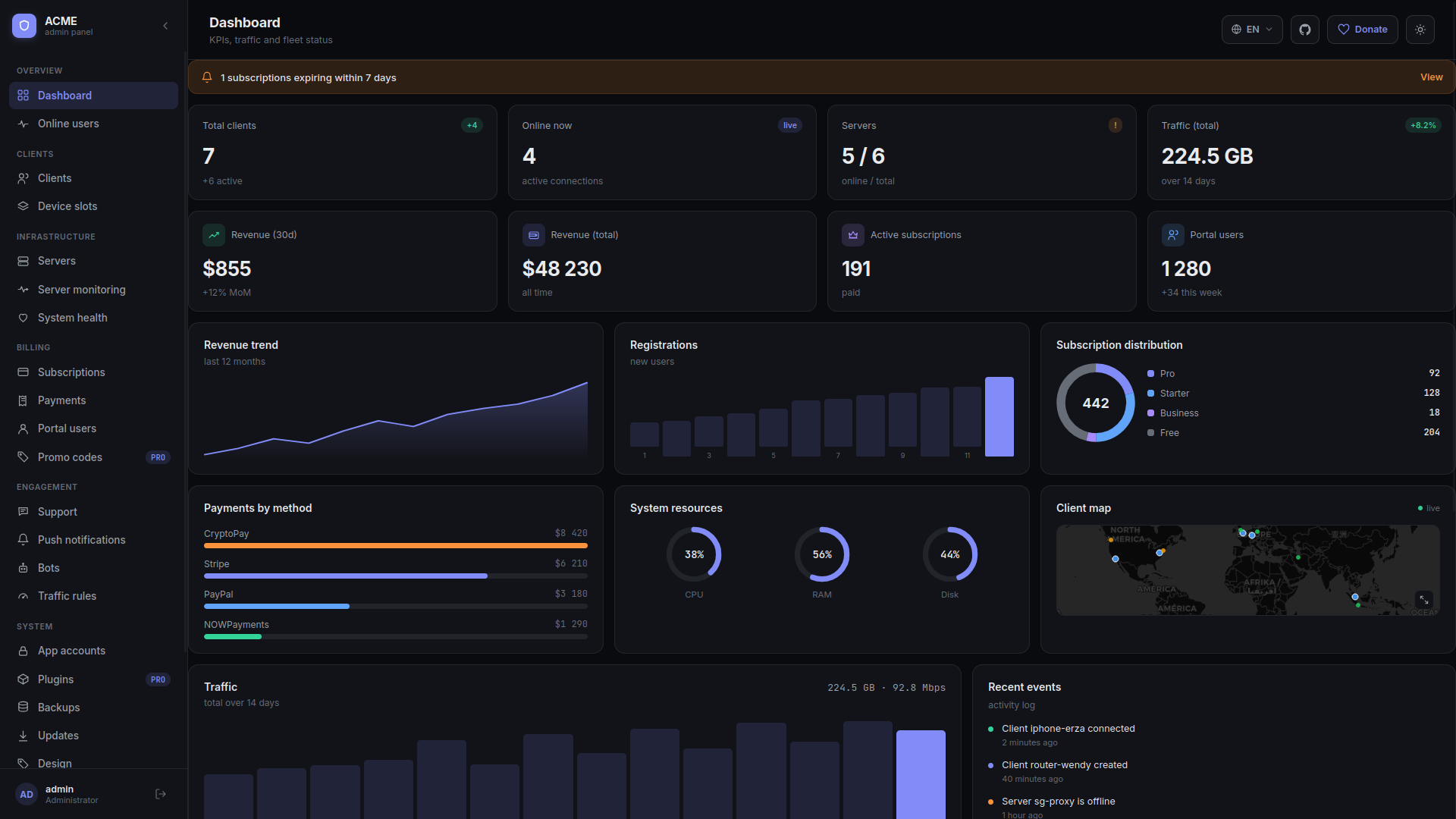
Manage WireGuard on Mikrotik RouterBoards straight from the panel
Plenty of self-hosters already run a Mikrotik at the edge — and asked us to let them treat that hardware as a first-class VPN server. So we added a full RouterOS integration. Add the router by URL + credentials, the panel inherits its WireGuard interface, address pool and public key in one probe, and from then on it manages peers, bandwidth caps and live stats over the RouterOS REST API. No SSH access required, no agent to deploy on the box.
RouterOS REST, not SSH
Talks to /interface/wireguard/peers directly over HTTPS. Authenticated with a router user, never touches the router's shell.
Inherits the pool you already configured
Reads the wg interface's IPv4 / IPv6 addresses from the router on adoption — you don't have to retype subnets the device already knows about.
Per-peer bandwidth caps
Bandwidth limits applied per client are pushed to RouterOS /queue/simple with a flirexa-peer- name prefix, so they live alongside any queues your operator created by hand.
Live stats and online users
Handshake recency, transfer counters and per-client online state flow through the same reconciler the agent path uses. The Online Users page and the Clients tab populate exactly like for any other WireGuard server.
How it works in the panel
- Add Server → Mikrotik (RouterOS) — enter the router URL (
http://192.168.x.x), a user with REST API privileges, the wg interface name, and you're done. - Operator-owned interface is protected — the panel never enables, disables or deletes the wg interface itself. It only manages peers and queues on top.
- State reconciliation — disabled clients have their peers removed from the router, manual additions by the operator are left alone, drift is detected on the regular tick.
- Hiddify / sing-box / WireGuard official client — generated client configs work everywhere standard WireGuard works, no change to the client side.
Behind the scenes
- Address-pool inheritance survives RouterOS installs without the IPv6 package (returns 404 on
/ipv6/address, the panel keeps the IPv4 result and leaves IPv6 unset). - Auto-expiry timer now correctly removes the peer from the router when a client's subscription runs out — earlier behaviour left the peer live even though the panel said disabled (fixed in v1.6.13).
- Health page reports the router's interface state via the REST adapter instead of trying
wg showon the panel host.