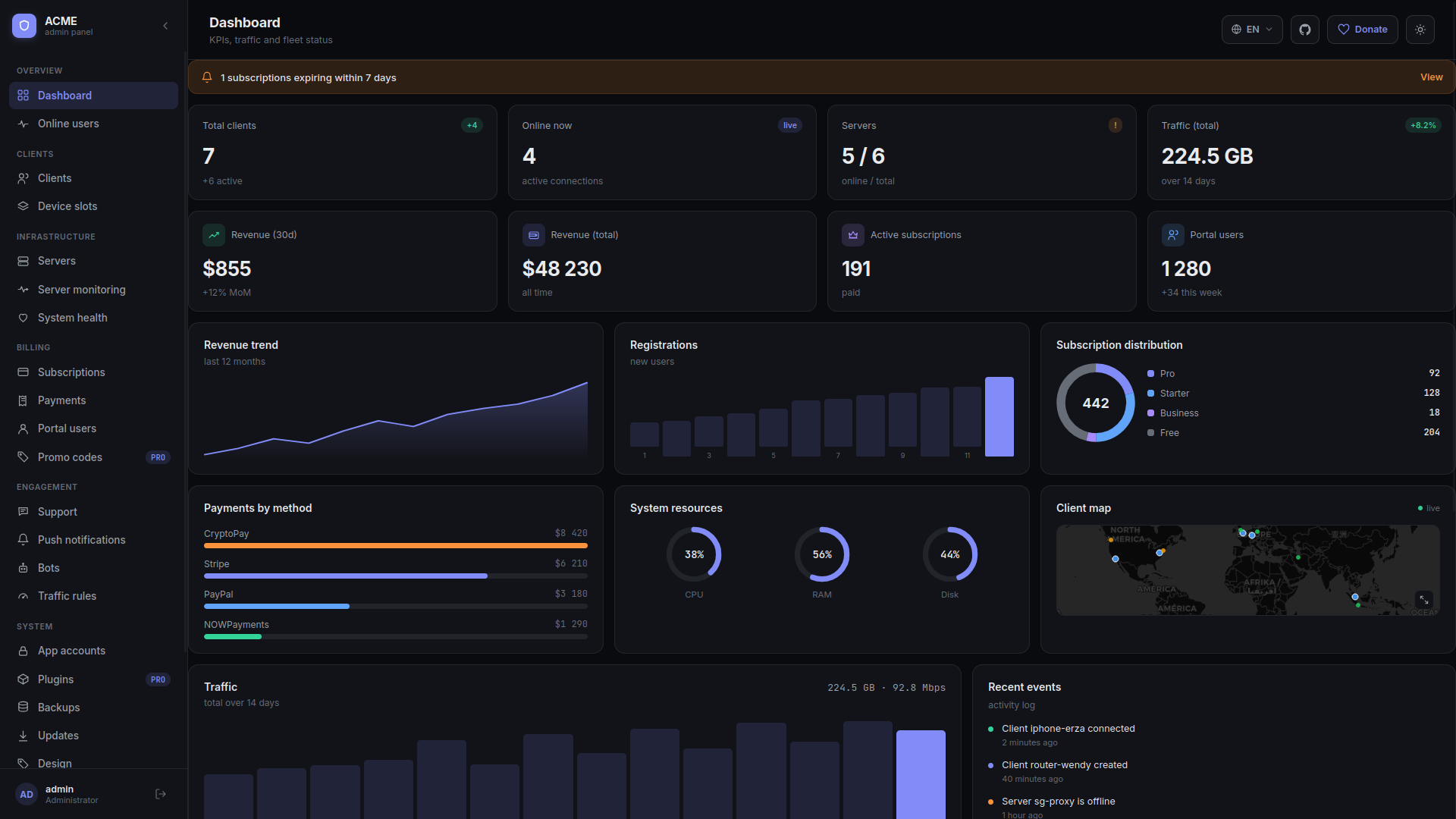
More control over customer revenue and DNS policy
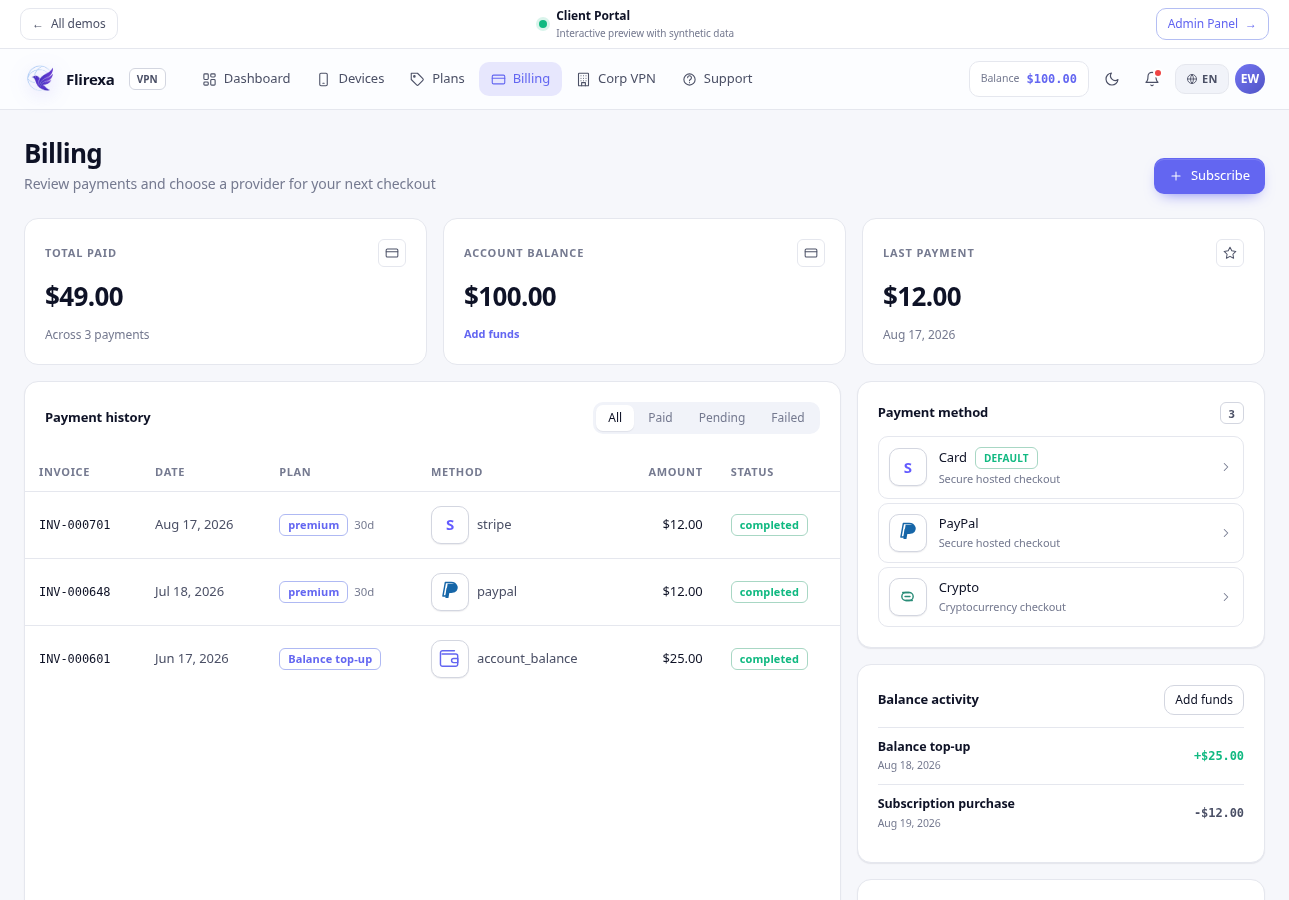
Business and Enterprise operators can maintain prepaid customer balances in the client portal. Credits can be added with an audit trail and used for renewals without forcing a customer through checkout for every transaction.
Per-device DNS protection now lets an operator offer standard resolution, ad and tracker blocking, malware protection, or a combined policy without moving the customer to another VPN server. Business includes the standard policy modes. Enterprise adds operator-defined resolver profiles and enforced policies for larger deployments.
- Customer balance history and controlled balance adjustments
- DNS mode stored per device and written into generated configurations
- Custom Enterprise resolver endpoints for operator-owned DNS infrastructure
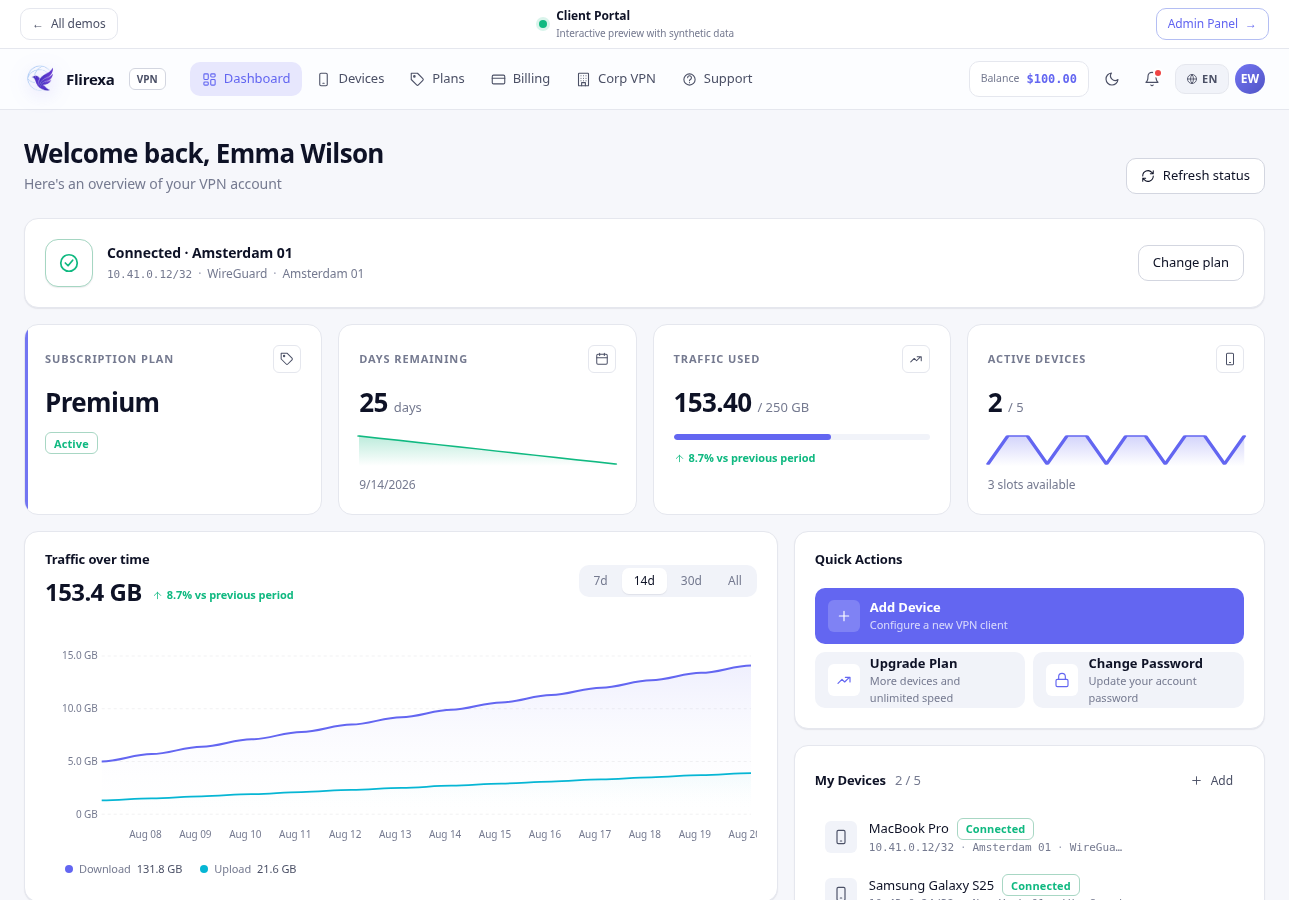
- Current admin and client portal views for desktop and mobile